start using libgdx
First get the setup application, libGDX uses Gradle rather than download the entire library
https://libgdx.badlogicgames.com/download.html
java -jar ~/Downloads/gdx-setup.jar
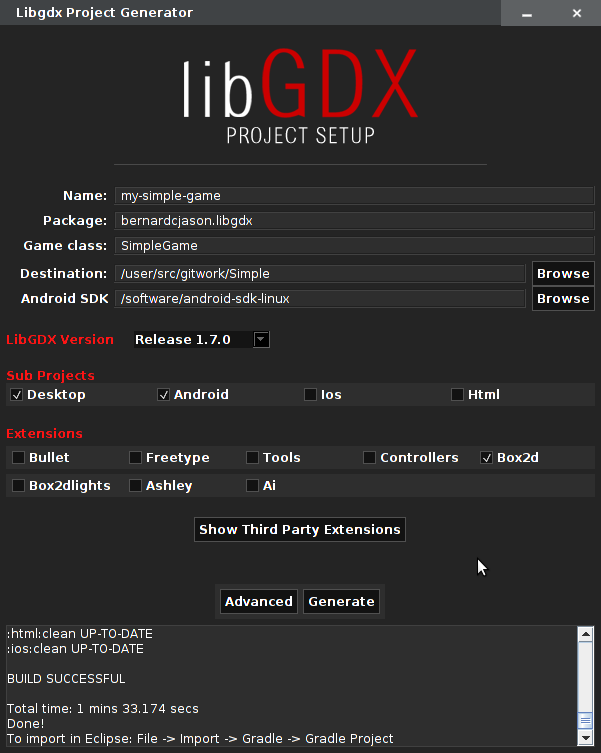
decide on package and game names. Also decide if you want ios and html version. I’ve never tried anything apart from hello world with html and I don;t have access to a mac to have tried ios. I always select desktop for testing my app and android as the end goal.
You may need to update android build tools if message
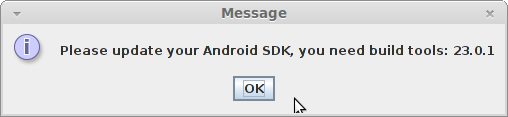
is displayed. If so run the tool within android sdk directory
tools/android update sdk
If like me you like using an IDE, select advanced settings to generate eclipse project files, so that you can import into eclipse later on
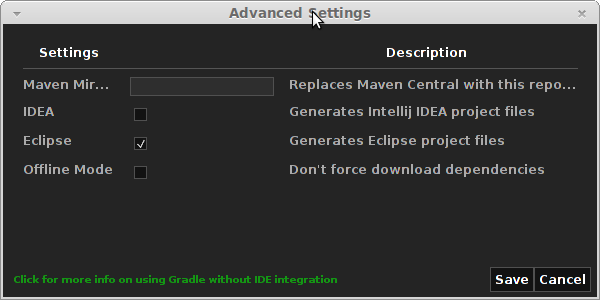
Once the code is generated by gdx-setup you can then go to eclipse and import the projects. The tool has created the .project, .classpath and .settings for you.
go to eclipse menu, select File then Import.
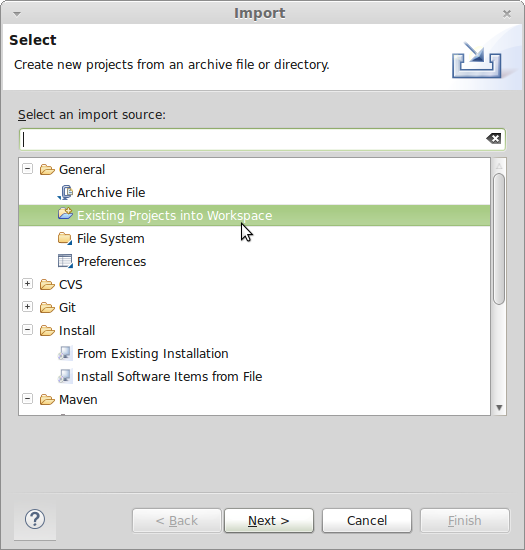
Make sure you import core project and desktop project into eclipse.